Running a café means balancing customer service, order preparation, billing, ingredient purchasing, and daily financial records. As customer volume increases, managing these activities manually can become time-consuming and make it harder to maintain consistent service.
Café management software helps bring important business activities into a more organized workflow. The right setup should match the café's size, menu, service style, and plans for growth.
What Is Café Management Software?
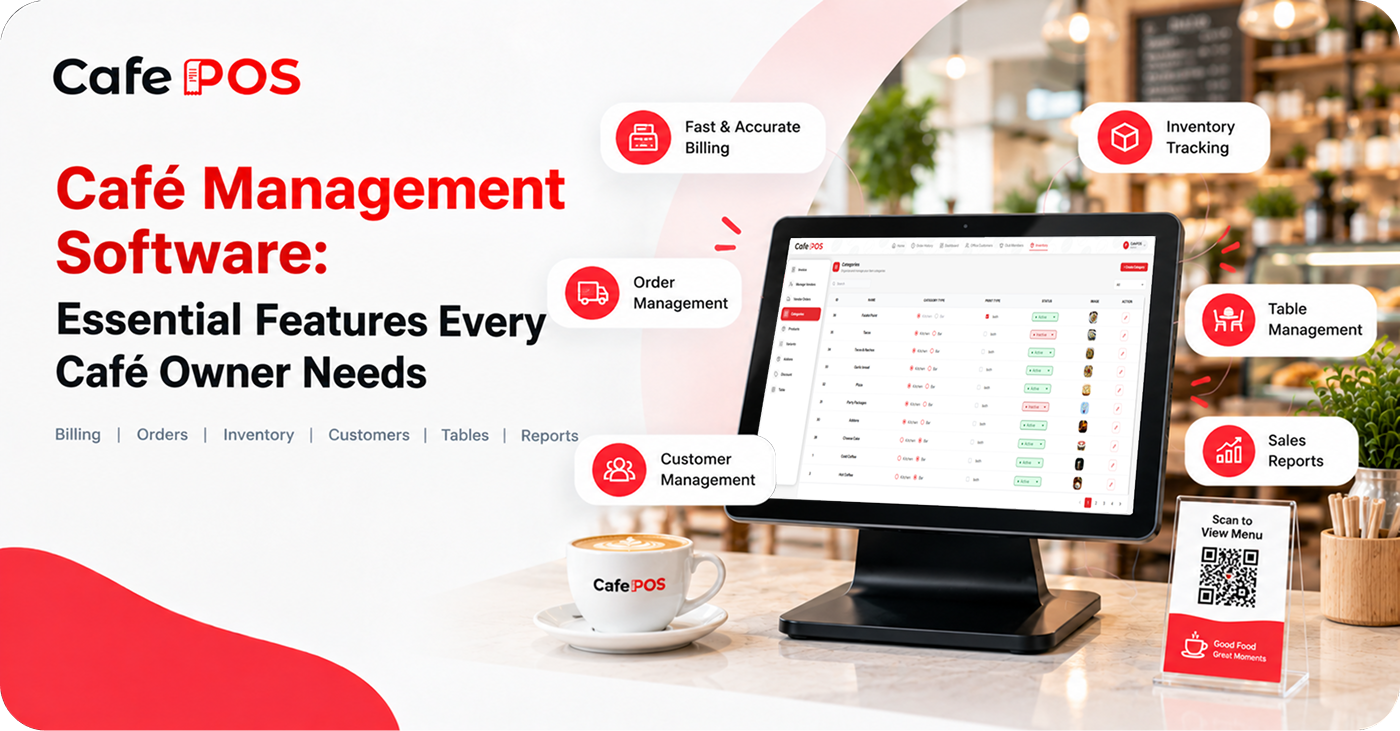
Café management software is a digital platform designed to support the daily operations of a café. Depending on the product, it may include point-of-sale billing, order management, table management, inventory tracking, customer records, and sales reports.
The goal is to help café owners manage routine work while gaining better visibility into business performance. Features vary by provider, so review the actual product rather than assuming every platform includes the same tools.
Six Essential Features to Look For
1. Fast and Accurate Billing
A straightforward billing interface helps employees process transactions and manage order changes efficiently. Check that the system handles taxes, discounts, multiple payment methods, receipts, and corrections in a way that matches your procedures.
2. Order Tracking
A café may handle counter orders, dine-in service, takeaway, and delivery. An organized order management system helps staff keep track of these different workflows and reduces the need to coordinate through scattered notes.
3. Inventory Tracking
Monitor ingredient availability and identify products that need replenishment. This is especially important for ingredients such as milk, coffee beans, bakery products, and syrups. Ask whether the system supports stock adjustments, units of measurement, low-stock alerts, and recipe-level ingredient usage.
4. Customer Management
Organized customer records can help cafés understand regular visitors and provide more consistent service. If loyalty or customer history features are important, confirm how records are collected, protected, and maintained.
5. Table Management
For cafés with seating, table management can help organize table assignments and service activities. Consider whether you need table status, order transfers, bill splitting, or the ability to move orders between tables.
6. Sales Reports
Reports help owners review revenue, compare performance, and understand which products are popular. Use sales reports together with ingredient costs and expenses before making decisions about profitability.
Other Features That May Matter
Depending on your business, you may also need kitchen order tickets, receipt printers, staff permissions, supplier records, multiple payment options, customer loyalty, or multi-outlet reporting. Prioritize the features that solve real problems rather than choosing software based on the longest feature list.
How to Choose Software for Your Café
- Write down the daily tasks that take the most time or create the most errors.
- List must-have features separately from features that would simply be nice to have.
- Check device, printer, payment, tax, and connectivity requirements.
- Ask about data backup, user permissions, support, training, and system availability during internet outages.
- Compare the total cost, including subscriptions, hardware, installation, and optional modules.
- Run a demonstration using realistic orders and train the employees who will use the system.
Avoid paying for features your business does not need, but consider whether the system can support your future growth. A simple solution that staff use consistently may be more valuable than a complicated one that does not fit their workflow.
Plan a Smooth Implementation
Prepare your menu, prices, modifiers, taxes, and inventory units before launch. Assign someone to verify the setup, test common order scenarios, and collect staff feedback during the first few weeks. Keep a clear process for correcting mistakes and escalating technical issues.
Frequently Asked Questions
Is café management software different from a restaurant POS?
The terms often overlap. Café management software may describe a POS and related tools tailored to café workflows, while restaurant POS can cover a wider range of service styles. Compare features rather than relying only on the label.
Does a small café need inventory software?
It may help if stockouts, spoilage, or manual stock counts are recurring problems. Start with the ingredients that have the greatest cost or operational impact.
What is the most important feature?
There is no universal answer. Many cafés should begin with reliable billing and order handling, then prioritize inventory, reporting, or table management based on their needs.
Manage Your Café With CafePOS
CafePOS brings billing, orders, inventory, customers, tables, and reporting together in one platform. Review the available features with the team to determine which options suit your café.
By organizing everyday tasks, café owners can build more consistent processes and spend more time focusing on food quality and customer experience.
Ready to simplify your restaurant operations?
Visit CafePOS to explore a simpler approach to café management.
Explore CafePOS