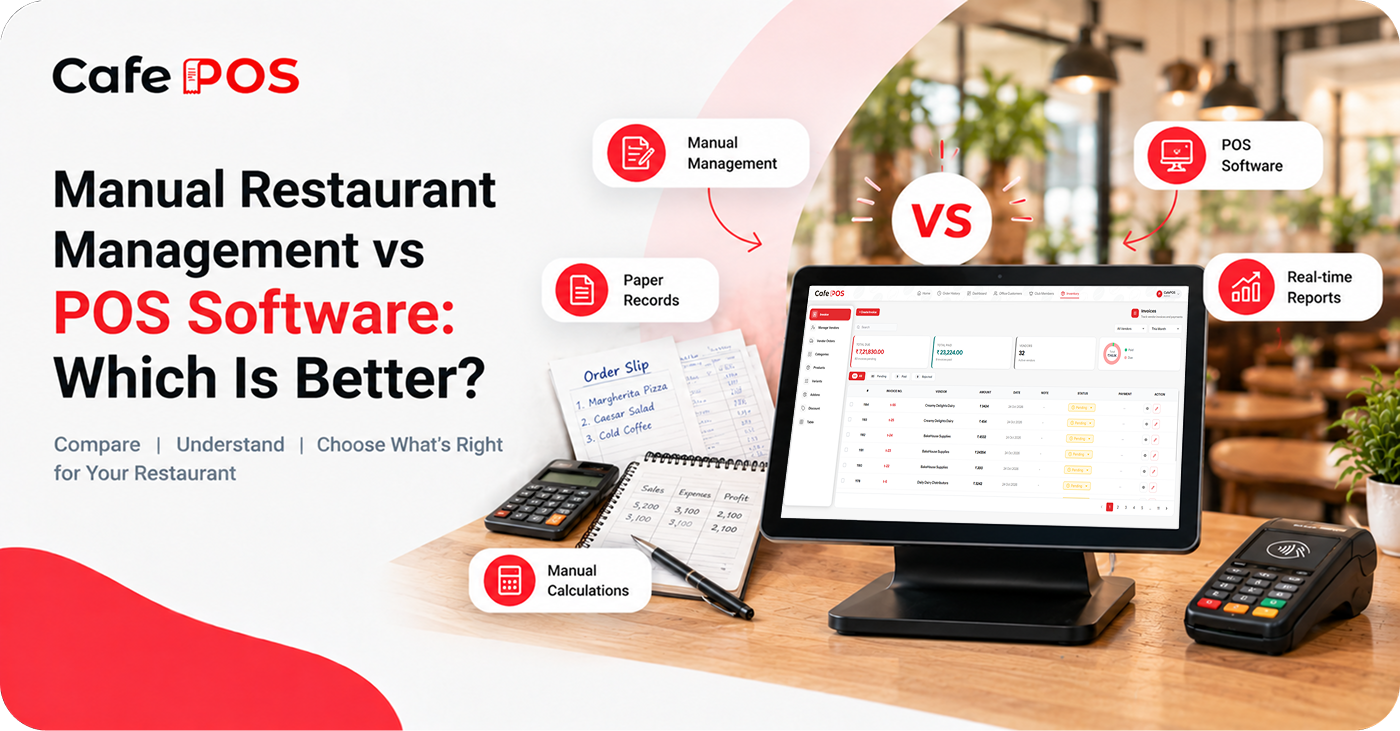
Many restaurants begin with handwritten bills, paper order slips, calculators, and spreadsheets. These methods may be sufficient when transaction volumes are low and the workflow is simple. As a restaurant grows, however, managing information across multiple records can become increasingly difficult.
This raises an important question: should your restaurant continue with manual processes or move to POS software? The answer depends on your volume, budget, operational complexity, and the problems you are trying to solve.
What Is Manual Restaurant Management?
Manual management involves using paper records, calculators, spreadsheets, and verbal communication to manage daily tasks. It can be inexpensive to start and offers flexibility, but the accuracy and availability of records often depend on how consistently employees maintain them.
As order volume increases, staff may spend more time calculating bills, finding old transactions, updating stock sheets, and compiling sales totals. Records can also become difficult to reconcile when different people use different formats.
What Is Restaurant POS Software?
A restaurant POS system helps digitize transactions and organize operational information. Depending on its features, it may support billing, orders, tables, inventory, customer records, and reporting.
The benefits depend on the software's capabilities and how effectively the restaurant uses it. Digital tools still require accurate setup, clear procedures, and staff training.
Manual Management vs. POS Software
Billing
Manual billing requires staff to calculate and record transactions. POS software can automate calculations and organize billing records, but menu prices and tax settings must be configured correctly.
Order Management
Paper slips and verbal communication can work, but they may become harder to coordinate during busy periods. Digital order management provides a more structured way to record and track orders, particularly when several order types are handled at once.
Inventory
Spreadsheets and physical stock counts can track inventory, but they require consistent updates. Inventory software can improve stock visibility and, where supported, provide low-stock alerts. Physical checks are still important to confirm actual quantities.
Reporting
Manual reporting often requires collecting information from several sources and calculating totals. POS reports can make it easier to review recorded sales and identify trends, provided transactions are entered consistently.
Access and Accountability
Paper records may be easy to access but can be misplaced or changed without a clear history. Some POS systems provide user permissions and activity records. Check what the software actually logs and configure access appropriately.
Cost
Manual processes may have low upfront costs, although they still consume staff time and materials. POS software may involve subscriptions, devices, printers, setup, and training. Compare the full cost with the time, errors, and operational problems you expect it to address.
When Should a Restaurant Switch to POS Software?
Consider switching when billing takes too long, order mistakes occur frequently, stock records are difficult to maintain, or preparing sales reports requires substantial manual effort. Other signs include growing queues, difficulty tracing past transactions, inconsistent processes between shifts, or plans to add new services or outlets.
You do not need to digitize every process at once. Identify the most disruptive problem first and choose software that addresses it without making daily work unnecessarily complicated.
How to Make the Transition
- Map your existing billing, ordering, and stock workflows.
- Choose a system based on must-have features, budget, and hardware compatibility.
- Clean up menu items, prices, tax settings, and inventory records before importing them.
- Test common scenarios such as order changes, refunds, cancellations, and end-of-day closing.
- Train staff and assign a person to handle questions during the initial rollout.
- Review results after launch and adjust the workflow where needed.
When Manual Processes May Still Be Enough
A very small operation with low transaction volume and simple requirements may be able to manage effectively with manual records. The key is to keep records accurate, secure, and easy to review. Reassess the approach when the volume or complexity of work changes.
Frequently Asked Questions
Is POS software always better than manual management?
Not for every business. POS software can provide more structure as operations become complex, but a business should weigh the cost and learning curve against its actual needs.
Can I keep spreadsheets after adopting a POS?
Yes, where spreadsheets serve a clear purpose. Avoid maintaining conflicting copies of the same information, and decide which system is the source of truth for each record.
What is the biggest risk when switching?
Poor setup and insufficient training can disrupt service. Test real workflows, verify key settings, and prepare a fallback procedure before going live.
Make Restaurant Management More Organized With CafePOS
CafePOS combines billing, order management, inventory tracking, customer management, table management, and reporting in one platform. Review the available features to see whether they address your current operational challenges.
For restaurant owners looking to move beyond scattered manual records, it offers an option worth exploring. A successful transition starts with clear requirements, good setup, and consistent use.
Ready to simplify your restaurant operations?
Visit CafePOS to learn more and discuss your restaurant's requirements.
Explore CafePOS