Billing is one of the most important activities in any restaurant. Every customer expects an accurate bill, convenient payment options, and a smooth checkout experience. A slow or confusing checkout can also create queues and add pressure to staff during peak hours.
Restaurant billing software helps businesses organize item selection, calculations, taxes, discounts, payment recording, and transaction history in a consistent process.
Common Challenges With Manual Restaurant Billing
Manual billing can become difficult during lunch rushes, weekends, and special occasions. Staff may need to calculate totals, apply discounts, record payments, and coordinate orders simultaneously.
Common challenges include calculation mistakes, slow checkout, duplicate or missing records, difficulty tracking payment methods, and time-consuming end-of-day reconciliation. Handwritten records can also be difficult to search when a customer asks about an earlier transaction.
Digital billing helps bring these activities into a more organized workflow, although accurate configuration and staff review remain important.
Five Benefits of Restaurant Billing Software
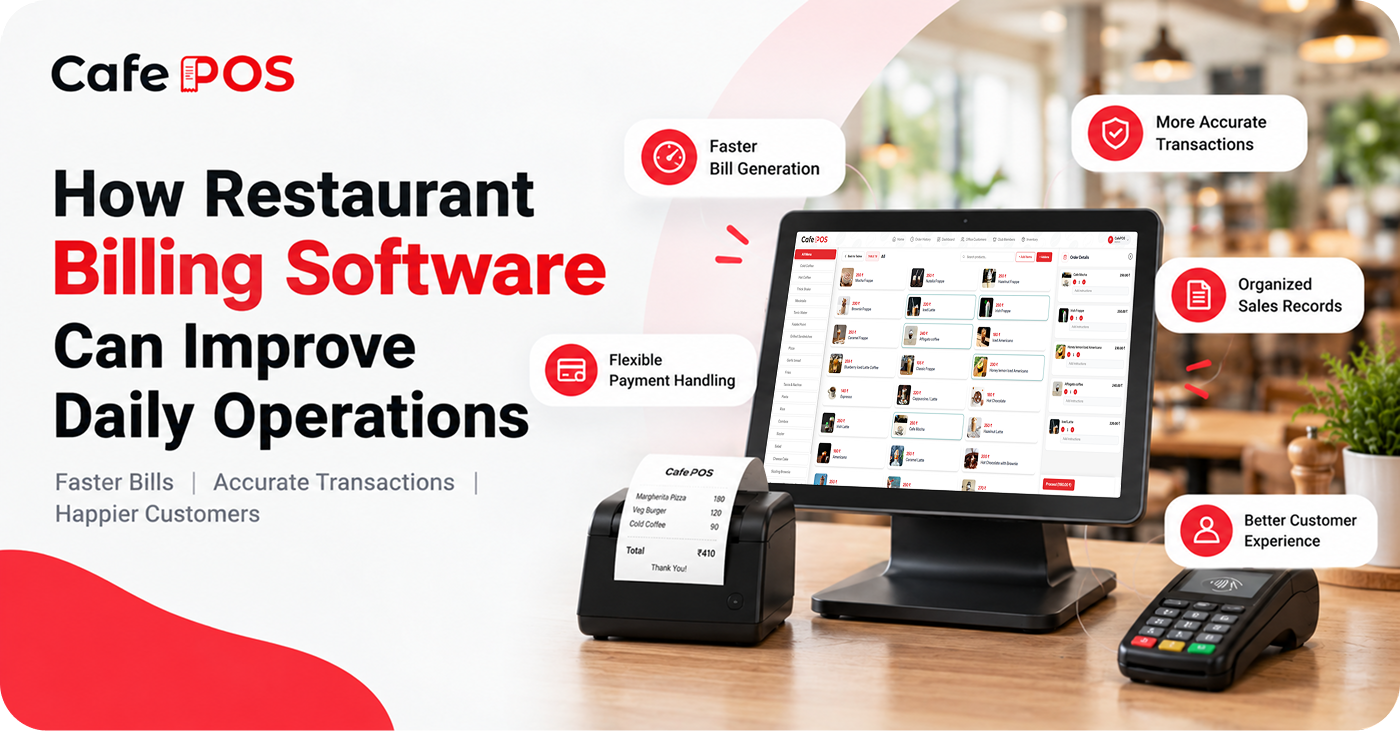
1. Faster Bill Generation
Staff can select ordered items, update quantities, and generate bills through a digital interface. Saved menu items and repeatable workflows can reduce repetitive manual entry, particularly when the menu is large.
2. More Consistent Calculations
Software-assisted calculations help reduce arithmetic mistakes and apply configured taxes or discounts consistently. Restaurants should verify tax settings and review unusual adjustments rather than assuming that software configuration is automatically correct.
3. Flexible Payment Handling
Depending on the system and payment integrations, restaurants may record cash, cards, UPI, and other supported methods. Clear payment records help staff identify how a bill was settled and reconcile totals at closing.
4. Organized Sales Records
Digital transaction records make it easier to review daily sales, check past bills, monitor payment activity, and prepare reports. Access permissions can help ensure that only authorized staff can perform sensitive actions such as voiding a bill or applying certain discounts.
5. A Smoother Customer Experience
A more predictable checkout process can reduce unnecessary waiting and allow employees to focus on customer service. Clear itemized bills also help customers understand what they are paying for.
Features to Look for in Billing Software
Look for an easy-to-use interface, item and quantity adjustments, discount handling, payment recording, receipt printing or sharing, transaction search, and reporting. Restaurants should also check whether the software supports their tax and receipt requirements.
If you offer dine-in, takeaway, and delivery, confirm that billing can accommodate each workflow. Ask how the system handles cancelled orders, refunds, split payments, bill reprints, and corrections so staff can follow a clear procedure.
How to Introduce Digital Billing to Your Team
- Review the current billing process and note frequent delays or errors.
- Configure menu items, prices, taxes, discounts, and payment options carefully.
- Test normal bills as well as cancellations, order changes, refunds, and split payments.
- Train staff using realistic examples and document who can approve sensitive actions.
- Compare closing reports with actual payment totals during the initial rollout.
A short training period and a clear process for handling exceptions can make the transition easier. Keep a fallback procedure available while the team becomes familiar with the new workflow.
Billing Software vs. a Complete Restaurant POS
Billing software may focus mainly on transactions and receipts. A broader restaurant POS may also include order management, KOT, table management, inventory, customer records, and reporting. The right option depends on whether billing is your only concern or part of a wider operational challenge.
Frequently Asked Questions
Can billing software calculate taxes automatically?
Many systems can calculate taxes based on configured rules, but the restaurant must verify that its settings reflect applicable requirements. Seek qualified tax advice if you are unsure how a rule applies to your business.
Will billing software eliminate every mistake?
No. It can reduce manual calculation and recordkeeping errors, but incorrect menu data, settings, or order entry can still cause problems. Regular checks and staff training remain necessary.
What should I check before buying?
Test billing speed, payment workflows, receipt options, reporting, hardware compatibility, support, security, and total cost. Make sure the product handles the scenarios your team encounters every day.
Simplify Billing With CafePOS
CafePOS offers billing, order adjustments, multiple payment options, and business reporting in one platform. Explore the current capabilities and confirm which features are included for your business.
By organizing everyday billing activities, restaurant owners can spend less time managing paperwork and more time improving service and operations.
Ready to simplify your restaurant operations?
Explore CafePOS to learn how digital billing can support your restaurant.
Explore CafePOS